To add filters from a table, click on a Customer from the Customer Dollars table, or click on a Brand or Item Description from the Item Dollars table.
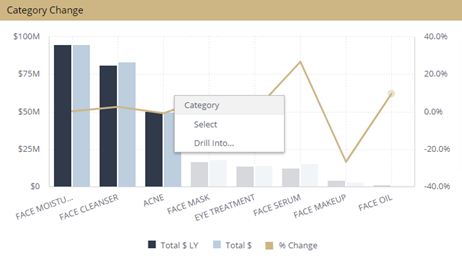
To make multiple selections, press and hold the Ctrl key on your keyboard and make multiple selections. A pop-up box will appear, click Select to add multiple selections to your dashboard.
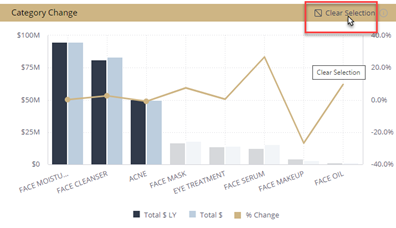
Once you have applied your filter selections, your entire dashboard will update, filtering on your selection(s). To clear your selection, click Clear Selection, or click the Restore Dashboard button at the top of your dashboard.