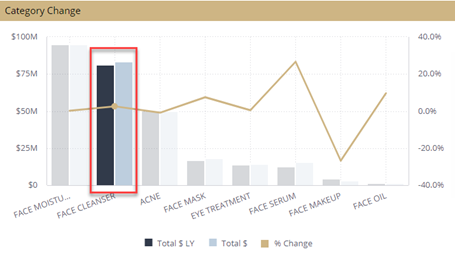
Widgets are objects such as charts and graphs. All the widgets are interactive and can be clicked on. Clicking on a specific portion of a widget, for instance a specific bar in a bar chart, will filter all widgets on the dashboard based on your selection.
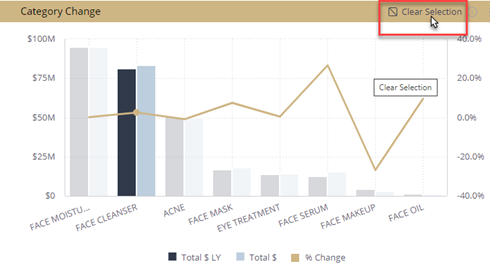
To reset the widget, click on the in the upper right corner of the widget and click Clear Selection. You can also click on the selected area to reset the dashboard.
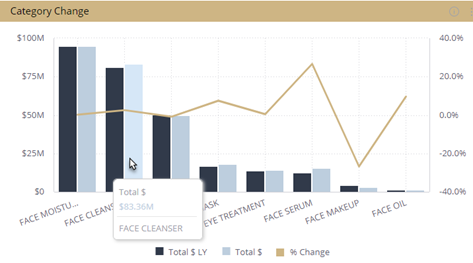
As you hover over the widgets, additional information about that specific piece of information will appear in a pop-up window.